
How To Stop Third Parties From Tracking Your Device
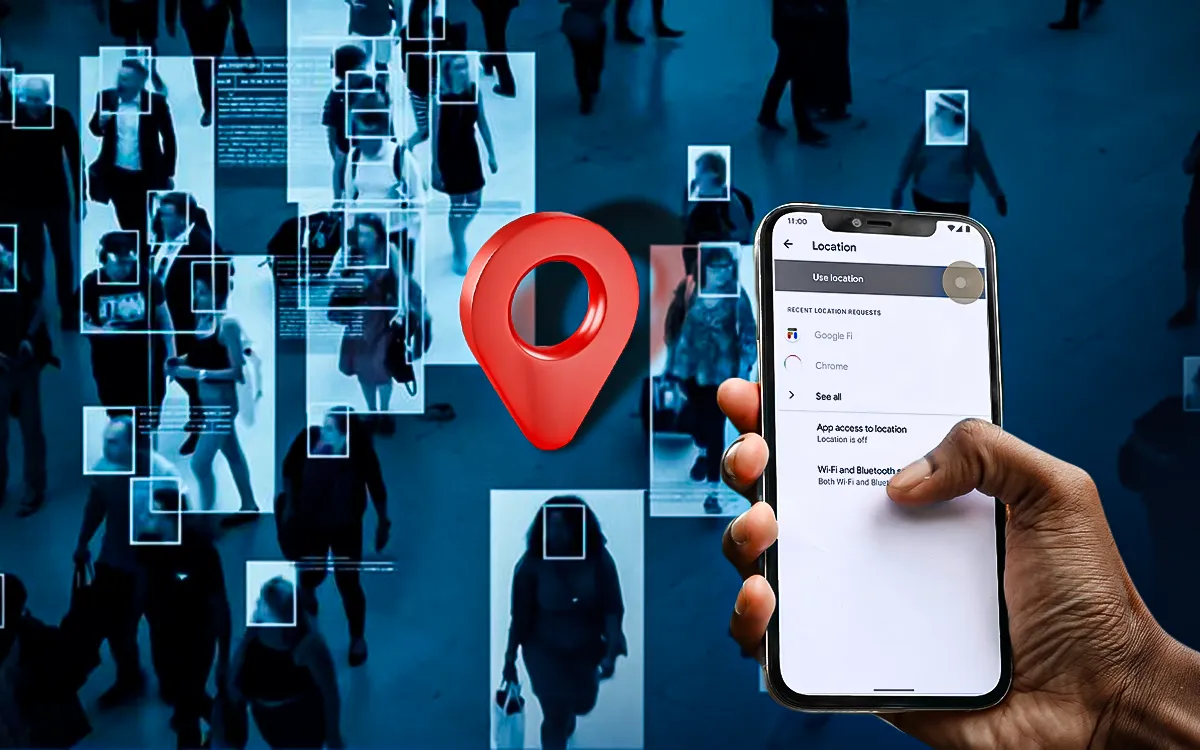
In the year 2025, the increasing popularity of third-party tracking has grown as data brokers, app publishers, and marketers are using increasingly sophisticated methods to track user behavior. Some examples are cross-device identifiers that provide a detailed digital profile, fingerprinting, SDKs for apps, and browser cookies.
Privacy reports indicate that billions of location and behavioral records are processed each month by large online trackers and data brokers. Thus, protecting your digital imprint is essential in a world of smart devices and advertising tailored to you. This article will explain the best privacy settings to control your data, how tracking occurs, and how to stop tracking from occurring on your device.
What Is Third-Party Tracking?
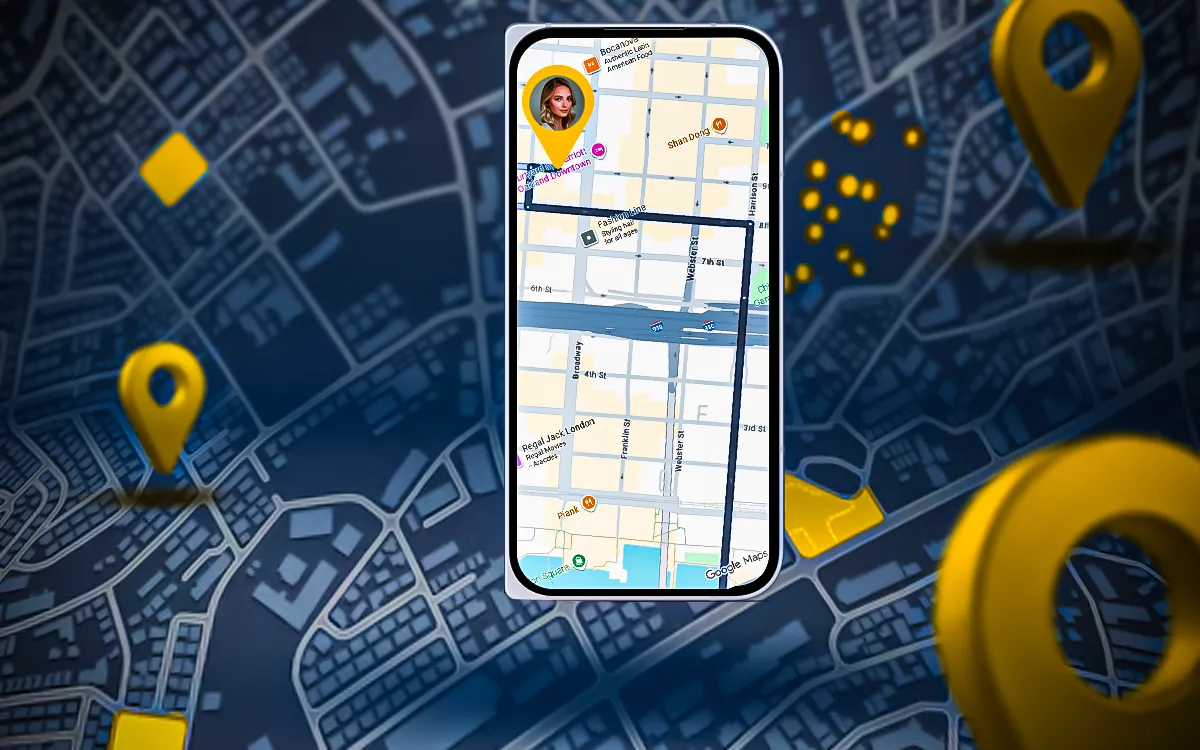
Third-party tracking is when anyone other than the site or app in use collects user information. These trackers monitor your location data, app usage, browsing history, and even behavior patterns in order to create digital profiles for analytics or advertising purposes.
Why It’s Harmful?
- Creates detailed behavioral profiles without consent
- Enables personalized ads and microtargeting
- Increases risk of identity theft and data breaches
- Reduces online anonymity
- Allows data brokers to sell your personal information
Understanding how this tracking happens helps you take effective steps toward device privacy protection.
How Third-Party Tracking Works?
Before implementing any device tracking stoppage or enhanced privacy protections, it is important to understand what third-party surveillance is, and how it works. Third-party companies (like marketers, data brokers, and analytics businesses) will use a variety of complex technologies to collect user data from websites, applications, and connected devices (however those are defined). There is a collection of user data that may not only provide targeted advertising, in addition to being able to renting of user data to other businesses, and that also becomes a full behavioral profile.
-
Cookies and Supercookies
-
Device Fingerprinting
-
Cross-Device Tracking
-
App and Location Tracking
-
Data Sharing and Ad Networks
Third-party cookies have functions beyond that of enhancing the user experience which is the intent of first-party cookies. They allow advertisers to track users’ behavior across many websites and produce detailed profiles of their browsing behaviors. Supercookies, however, are more persistent and difficult to erase, allowing tracking to exist long after normal cookies have been removed.
Device fingerprinting is a method that involves collecting technical information including operating system, screen resolution, installed plugins, and browser type to create a unique digital identity for your device. This technique allows trackers to track users even when cookies are disabled. Organizations and individuals can bypass device fingerprinting by utilizing privacy-based browsers that randomly generate device signatures or by employing anti-tracking browser programs.
When users have common login information, applications, or use the same IP address this will connect user behavior across desktop, tablet, and smartphone device types. This significantly reduces user anonymity as it can help advertisers create seamless and personalized advertising across platforms. Users can reduce this form of tracking by utilizing tracker blocker applications and adjusting digital privacy settings.
Mobile apps often request access to contacts, device sensors, and real-time location access. Although this can improve functionality, it opens the door to continuous tracking. Essential steps to protect your device’s privacy include checking app permissions, denying access to the data in the background, and learning how to prevent tracking.
Advertising networks and data brokers often exchange and consolidate user data across many platforms, which complicates accountability and transparency. Companies that value ethical data practices and customer trust must achieve utmost compliance with data protection laws, such as the CCPA or GDPR.
Risks to Privacy & Security
When it comes to understanding and preventing 3rd party tracking, the protection of digital identity, company data, and personal information far outweighs convenience. If one doesn’t pay attention, he/she may be exposed to targeted advertisements more than ever. Here are some of the top reasons you should make digital privacy settings and privacy protection prominent on your devices:
Data Exploitation and Profiling
- Third-party entities compile complete personal profiles, including your preferences, habits, and even financial interests, from what you do online.
- If a device doesn’t have privacy protection, this information can be used in illegal data selling, price discrimination, or even manipulative advertising.
Increased Cybersecurity Threats
- Data collection enhances the possibility of identity and data breaches.
- You can avoid these online threats by using anti-tracking tools and websites that block site tracking.
Loss of Anonymity and Behavioral Monitoring
- With persistent tracking, or device fingerprinting, advertisers and data brokers could likely still identify and track target users even when they are browsing in private mode.
- Moreover, anti-tracking technologies for browsers are necessary, along with ways to disable device fingerprinting to stay anonymous.
Cross-Device Data Leakage
- Using tracking across devices limits your control over how and where your data is shared because the tracking connects the actions you take on one device to your actions on other devices.
- You can use tracker blocker apps and digital privacy settings to prevent what would be considered a data leak in your case.
Non-Compliance with Privacy Regulations
- If tracking is not managed properly, the companies could be in violation of the data protection laws, which include CCPA or GDPR, and may be imposed with fines, possibly affecting their reputation.
- Privacy protection policy concerning compliance devices protects users and businesses.Â
Manipulative Advertising and Lower Consumer Trust
- Ongoing tracking through hyper-targeted advertisements can also influence decisions without transparency.Â
- The measures taken to prevent device tracking increase brand power and consumer trust.Â
Unintended Data Sharing via Apps and Networks
- Ad networks gather data from a myriad of web and mobile applications, often without explicit consent.Â
- The idea is to give users more control over their digital footprint with minimal permissions and anti-tracking software.
How to Stop Tracking on Smartphones (Android & iOS)
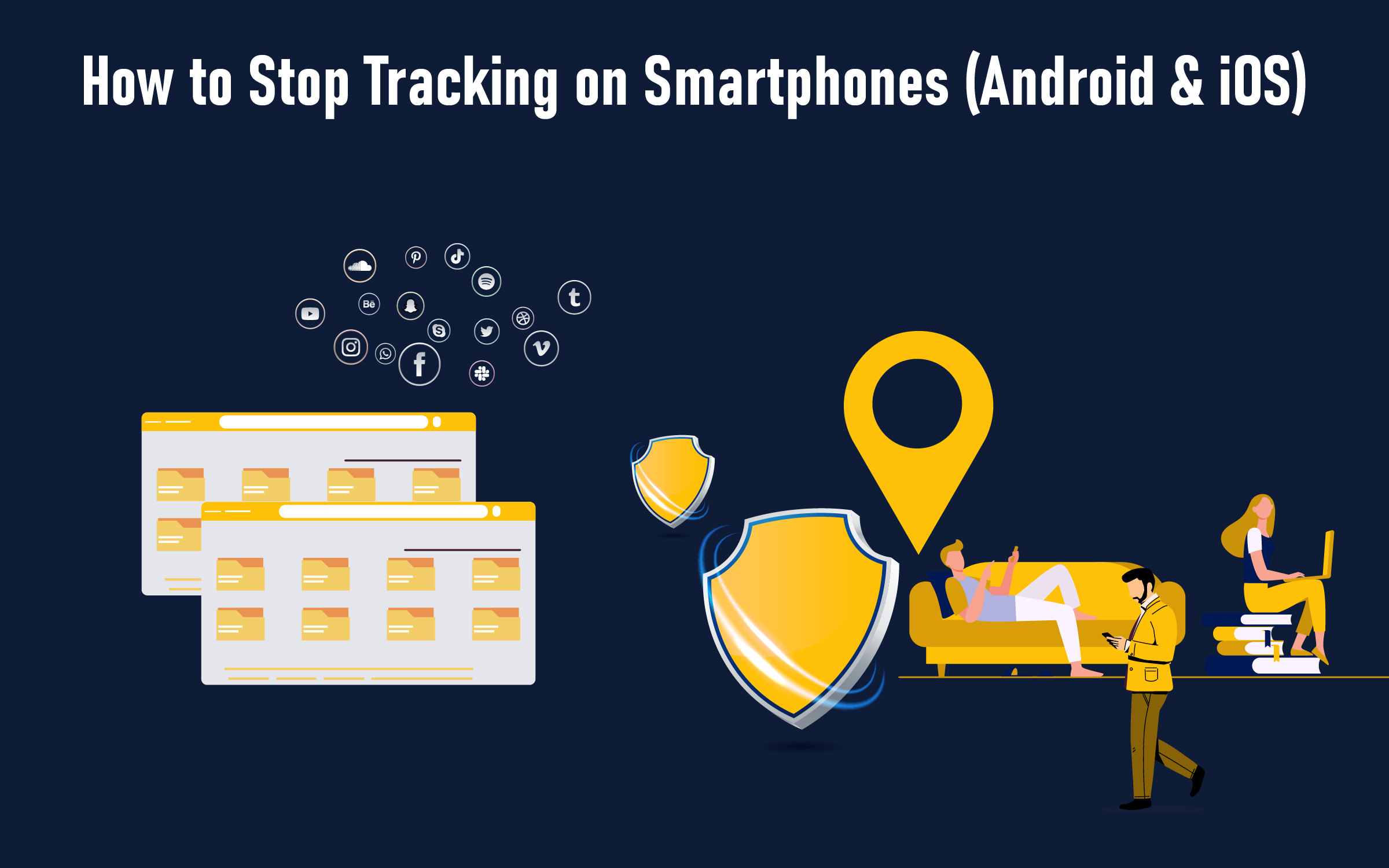
The smartphone is among the most commonly used devices by third parties for tracking purposes. To avoid being monitored and to retain control over your information, you must add device privacy protection features to your mobile devices.
-
Review App Permissions
Limit access to personal information such as contacts, location, camera, and microphone.
Disable background location access for apps that do not require location tracking.
-
Enable Platform Privacy Settings
iOS: You can permit apps not to track your activity on the internet or within the app itself with App Tracking Transparency.
Android: Change the location and usage settings in digital privacy settings and turn off the ads personalization opt-out.Â
-
Use Tracker Blocker Apps
Use reputable tracker blocker software to prevent websites and/or applications from collecting your personal information.Â
These software programs will block both cookies and any attempts at device fingerprinting.
-
Regularly Update Your Device
Update your programs and operating system frequently to fix security flaws that could be used for tracking.
-
Limit Ad Personalization
Disable ad personalization and periodically reset advertising IDs on iOS and Android.
Best Privacy Tools to Stay Secure
It is not enough to be aware of the problem and to have means at your disposal with which you can protect your personal and professional data. These reliable solutions can help you maintain control and avoid unwanted data collection, whether you are trying to limit tracking of your device, or simply want to make sure that it is protected, or even to create stronger privacy settings.
-
Apps That Block Trackers
Dedicated tracker-blocking apps can find and block hidden trackers across apps and websites. They can block cookies, ad scripts for ads, and technology tracking you on different devices. Popular options include Disconnect, Lockdown Privacy, and DuckDuckGo Privacy Essentials.
-
Browser Tools That Block Tracking
Browser extensions like Privacy Badger, uBlock Origin, and Ghostery are some of the most effective anti-tracking tools. They will block device fingerprinting, ad trackers, and other scripts that observe your browsing behavior. They are ideal for users who want all this protected across multiple devices while focusing on digital privacy settings.
-
Browsers That Are Private Browsers
Browsers that make privacy their first priority, like Brave, Mozilla Firefox, and the Tor Browser, are designed explicitly to protect privacy for security on devices. With these, you will have blocking tracking by default, HTTPS encrypted, and prevent cross-device tracking.
-
Virtual Private Networks (VPN)
VPNs can encrypt your internet traffic and mask your IP address. This adds a layer of protection against being tracked by advertisers and private parties. Popular services like NordVPN, ProtonVPN, or ExpressVPN will block tracking at the network level.
-
Privacy-Centric Search Engines
Typical search engines will collect user data and then share them with advertisers. In contrast, search engines with privacy in mind, such as DuckDuckGo or Startpage, do not compile personal information or share it.
-
Encrypted Messenger Applications
For example, messaging service providers like Signal and Telegram use end-to-end encryption, which means no one will ever be able to surveil your conversations. Perfect for users who enjoy having privacy streamlined in their settings for both personal and business communications.
-
Full-Featured Security Programs
Enterprise-level blockers for tracking devices and security applications (e.g., Bitdefender, ESET, Avast One, etc.) are complete solutions that include management, passwords, and a blocking program against tracking.
Greatly effective for businesses needing to comply with data and tracking protection laws while managing long-term privacy protection on devices.
How to Audit & Monitor Your Privacy Regularly?
Protecting your digital privacy requires constant vigilance in monitoring, evaluating, and taking action. Regular privacy assessment will offer you added protection of online accounts, apps, and devices from unwanted tracking technology and unauthorized use. Nothing in this article will substitute for a good privacy assessment, but here are some steps for auditing your privacy settings and enhancing your privacy protection plan.
-
Review Privacy Settings Across All Devices
- It is essential to routinely check and update your digital privacy settings on all of your connected devices, browsers, and smartphones.
- Make sure to turn off location tracking, disable any unnecessary permissions, and determine whether apps have access to your private information.
-
Analyze App and Website Permissions
- Periodically check the websites and applications that are linked to your accounts.
- Any application that collects excessive data or shares it with third parties should be either deleted or limited.
-
Monitor Tracking Activity with Privacy Tools
- Utilize tracker blocking applications and anti-tracking web browser tools to track and prevent hidden trackers in real time.
- You’ll be able to see which domains are attempting to gather your data with tools such as Privacy Badger and Lockdown Privacy.
-
Perform Regular Data Cleanups
- Consistently remove browsing history, cookies, and cached files to reduce a potential digital footprint that facilitates tracking across devices and applications.
- Remove old accounts you no longer use and delete unused apps that still store your personal information.
-
Enable Alerts for Suspicious Activity
- Activate account alerts for unauthorized device logins and anomalous data access.
- Proactive device privacy protection and data security monitoring depend on these notifications.
-
Stay Updated on Privacy Laws and Best Practices
- Stay informed on national and international guidelines for data protection to understand your rights and responsibilities regarding the use and sharing of data.
- This will decrease the risk of exposure or fines while ensuring compliance with various privacy laws.
Understanding Your Data Privacy Rights: GDPR, CCPA, DPDP
Knowing your rights to data privacy will help you retain influence over your personal data and ensure that international data protection legislation is observed. Major data privacy laws, such as the GDPR, CCPA, and DPDP, enable users to protect their data and offer an improved level of privacy protection on devices. Here are a few key components of these laws.
• Right to Know What Personal Information Is Collected
You have the right to request a description of what personal information is collected, how that information is being used and to whom that information is being shared with.
• Right to Access and Portability
Users can access the data about themselves and demand a copy in a format that can be transferred between services, otherwise known as a portable format.
• Right to Correct or Update Information
You can request correction or updating of information if it is inaccurate or outdated from the organization in possession of that information.
• Right to Erasure (Right to Be Forgotten)
You can request that companies remove your personal information from their database when such information is no longer required for the processes for which the company maintained your information.
Rights to restriction or objection to processing
Users can oppose the processing of personal data that concerns them, especially in regard to use for marketing purposes or through profiling.
• Right to Withdraw Consent
You can withdraw your consent for data processing at any moment, which would not affect your access to services considered “essential” for you.
• Right to Data Security and Breach Notification
The organizations must implement safety measures to ensure the security of your data, as well as notify you as soon as reasonably possible in the event of a breach of your personal data.
• Right to equal services; no discrimination
The CCPA provides you will not be denied services or discriminated against if you choose to opt out of data sharing.
• Right to Redress and Regulatory OversightÂ
You may make complaints to the data protection authorities about the possible infringement of your rights: GDPR Supervisory Authority, DPDP Board, etc.
Securing Your Digital Future
As data becomes increasingly ubiquitous in our daily lives, protecting the privacy of our devices is no longer a choice; it is a must. Third-party tracking continues to innovate complex ways to track users from device to device; platform to platform.Â
When individuals and businesses understand how tracking works, grasp the importance of using digital privacy settings, and obtain trustworthy anti-tracking systems and tracker blocker applications, they will be empowered to take back control of their digital identity.Â
Regular privacy checks, understanding global data protection laws, and taking proactive steps to implement privacy-focused apps & tools are fundamental not only to secure data, but secure data privacy. Protecting your privacy will yield more freedom, trust, and security next year and beyond.
Can apps track me even with location turned off?
Yes, some apps can still track you even if your location settings are off. They may use other signals like your IP address, Bluetooth, Wi-Fi networks, or even motion sensors to estimate where you are. This is known as passive tracking or device fingerprinting, and it’s one reason why reviewing app permissions regularly is so important for privacy.
Does a VPN stop third-party tracking?
A VPN helps protect your privacy by encrypting your internet traffic and hiding your IP address from websites, advertisers, and your internet service provider. However, it doesn’t block all tracking. Apps, cookies, and online platforms can still collect data if you’re logged into your accounts. To get full protection, combine a VPN with tracker-blocking tools and privacy-focused browsers.
How do I block trackers on my phone?
You can block trackers on your smartphone by limiting app permissions, especially access to your location, contacts, and microphone. Use tracker blocker apps like DuckDuckGo Privacy Essentials or Lockdown Privacy, and turn off ad personalization in your device settings. Regularly clearing cookies and updating your system also helps stop hidden tracking activity.
Can my ISP track my browsing?
Yes, your Internet Service Provider (ISP) can see the websites you visit and how long you stay there unless your connection is encrypted. They may use this data for analytics or targeted advertising. Using a VPN or privacy-focused browser ensures your browsing data stays hidden and secure from your ISP and other third parties.